Introducing Bookmark.gallery
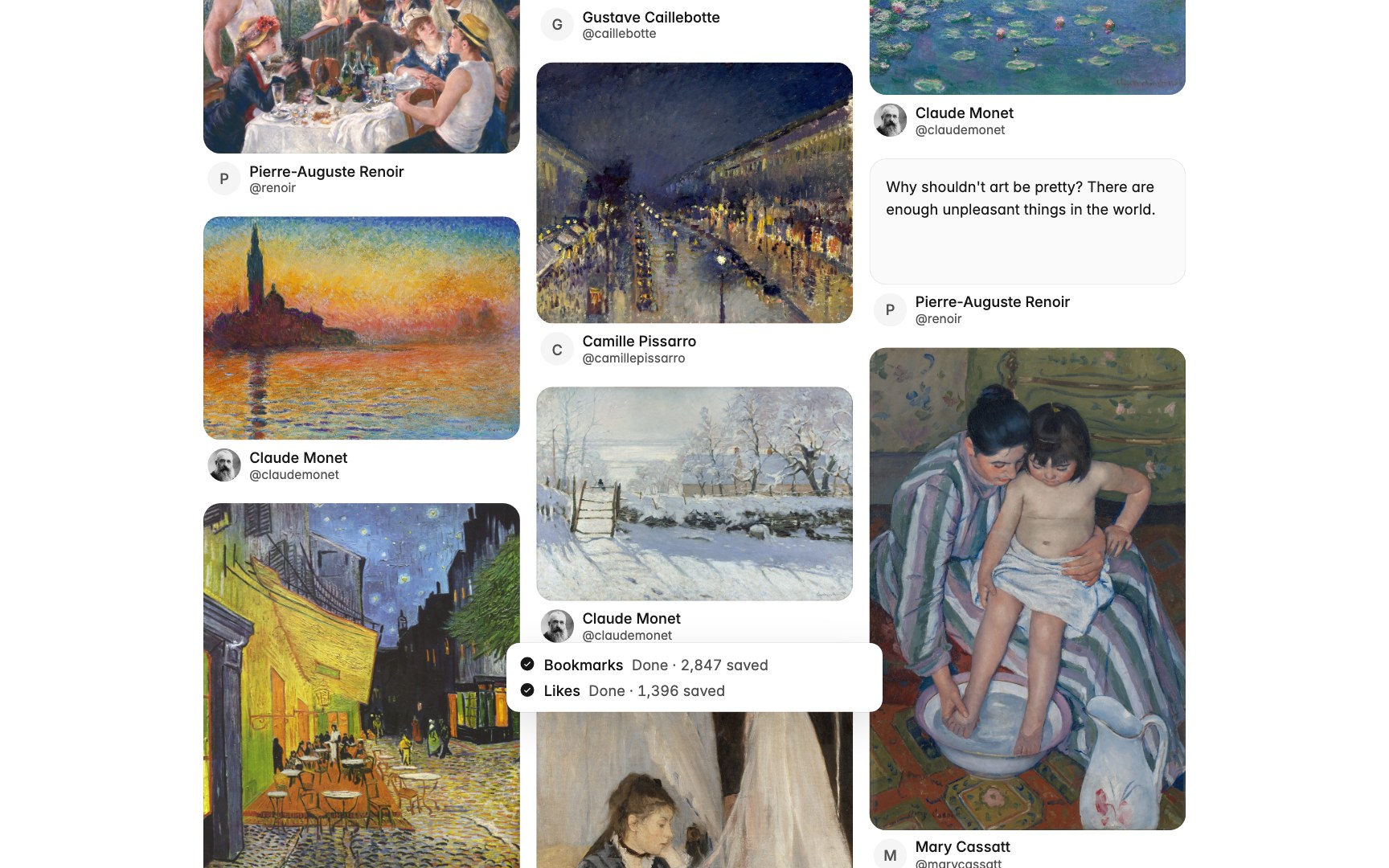
On X, a bookmark is a promise to come back later. Most of us never do, because coming back means scrolling one long feed with no way to filter, search well, or see what is in it at a glance.
Bookmark.gallery turns that feed into a gallery.
Import your entire history
The free Chrome extension brings over every bookmark and like you have, not just the recent ones. It reads them in your own browser, page by page, and your gallery fills in as it goes.
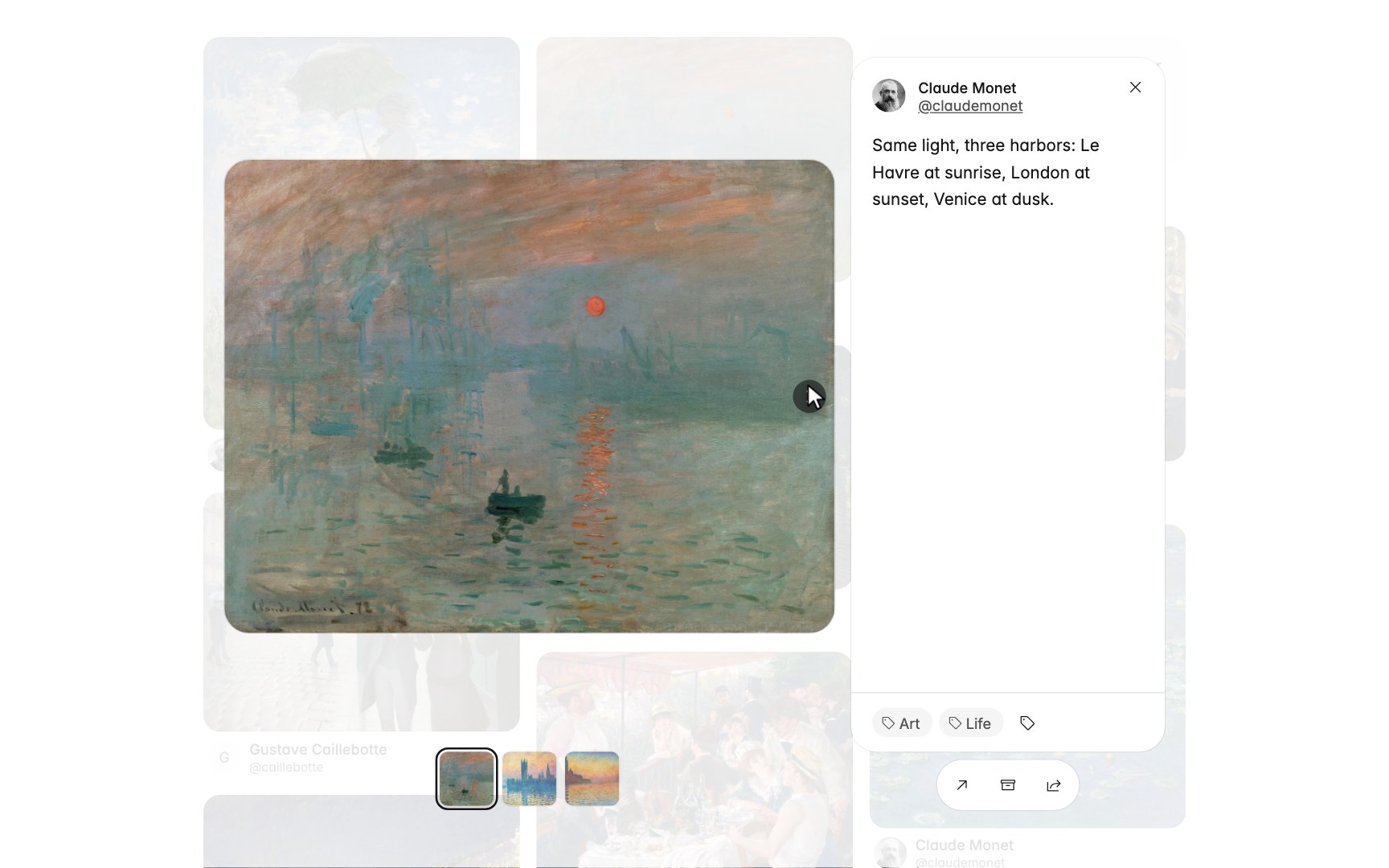
Every post, up close
Open any post to see its images and video large, flip through the rest of its media, and tag it without leaving the gallery. Filter by kind to see only the videos, images, links or text you saved.
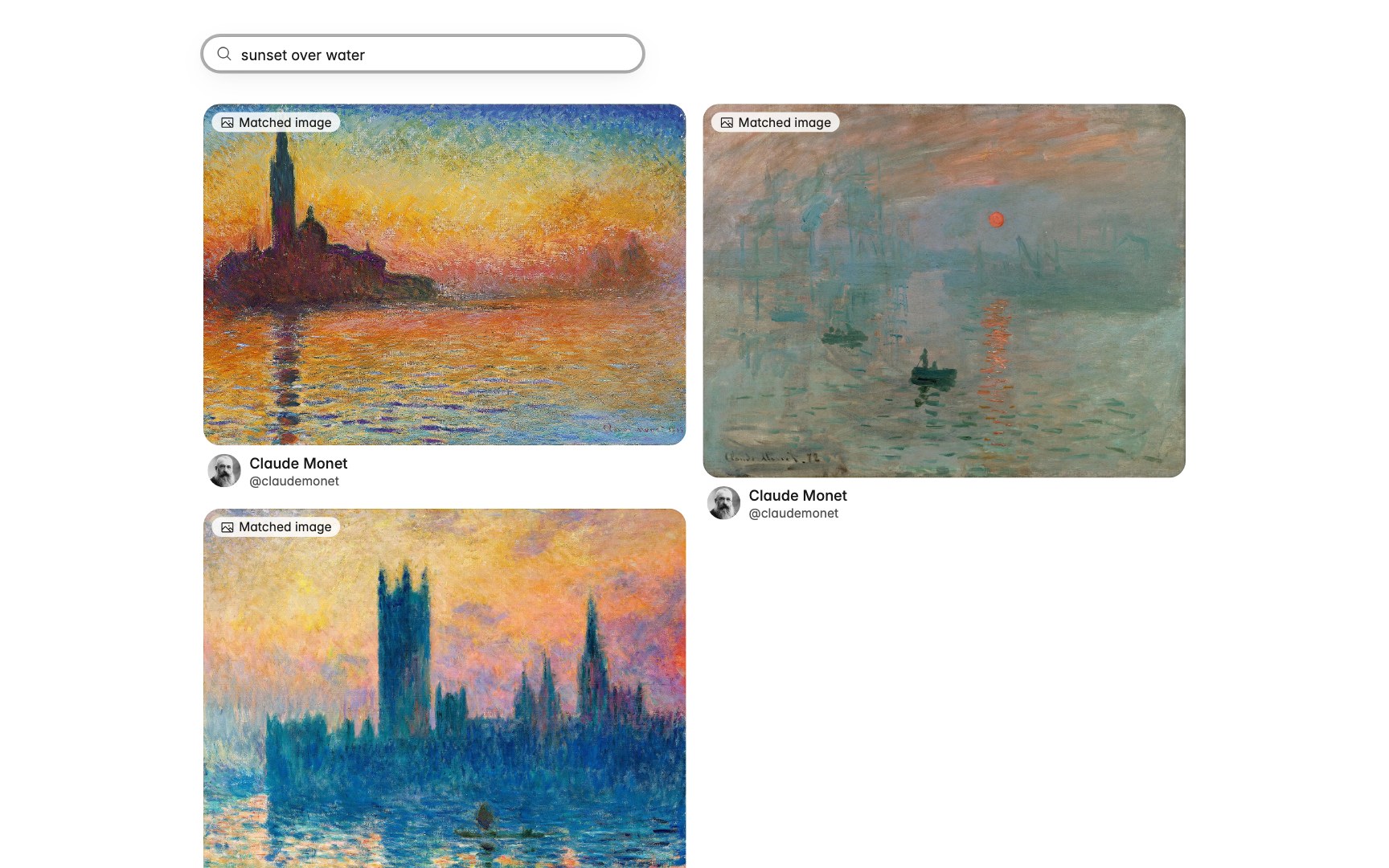
Search what's inside the images
Search covers the text, the author and the link card of every post. With Pro it also reads the images, so a post with no words at all still turns up when you describe what is in it.
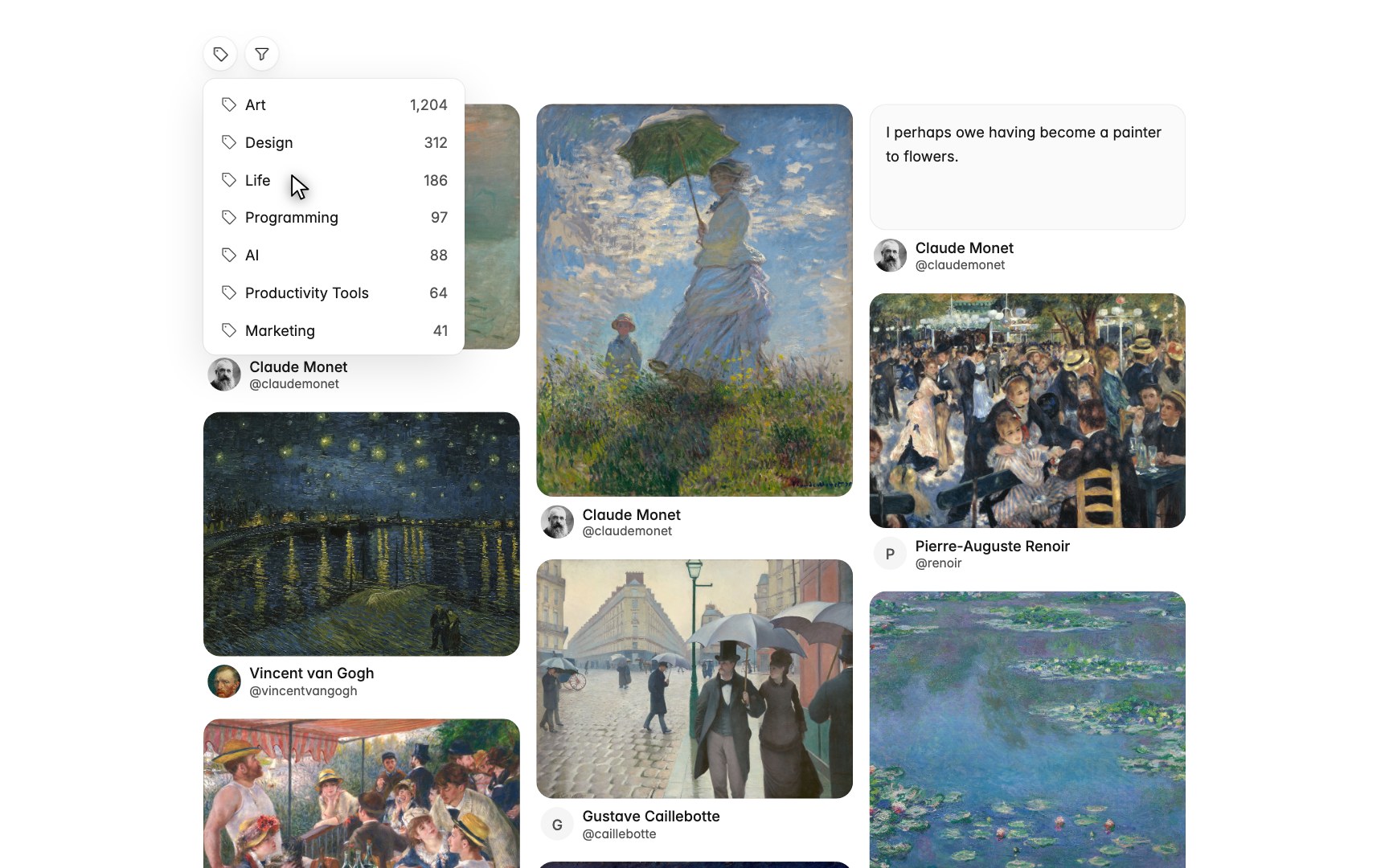
Tagged for you, automatically
Group posts with your own tags. With Pro, every post you save lands in the right tags on its own, including image-only ones.
Free, with Pro when you want it
Importing, browsing, search, tags and export to CSV or JSON are free. Pro keeps the gallery in sync on its own: new bookmarks arrive when you open the gallery, likes in seconds, on any device, no extension needed.
Try it
Start with what you have already saved.